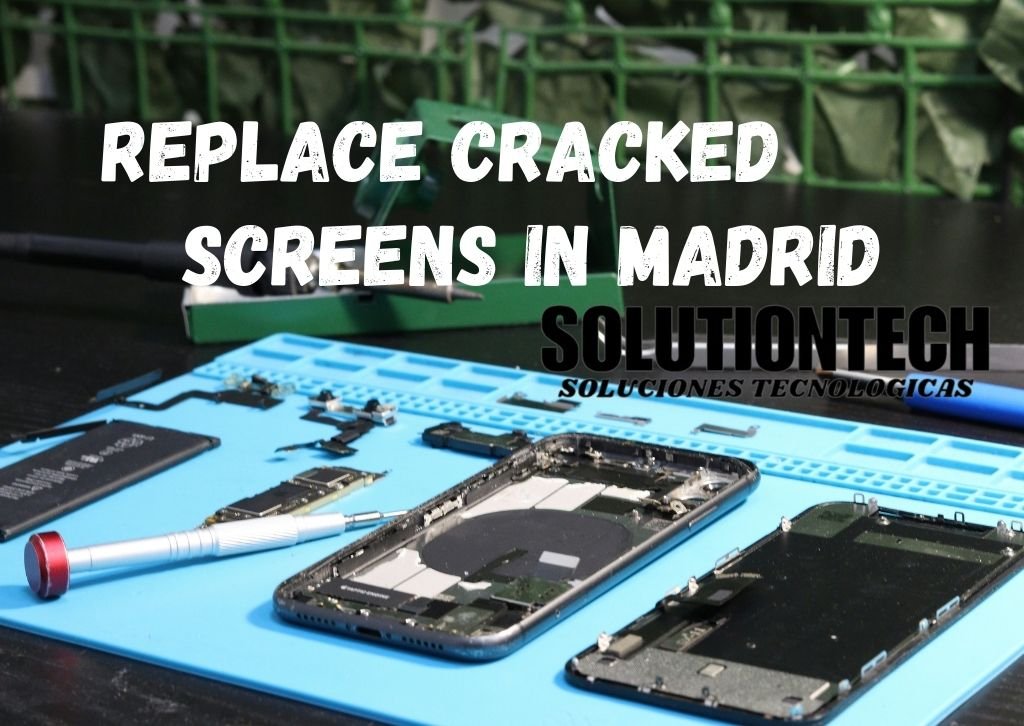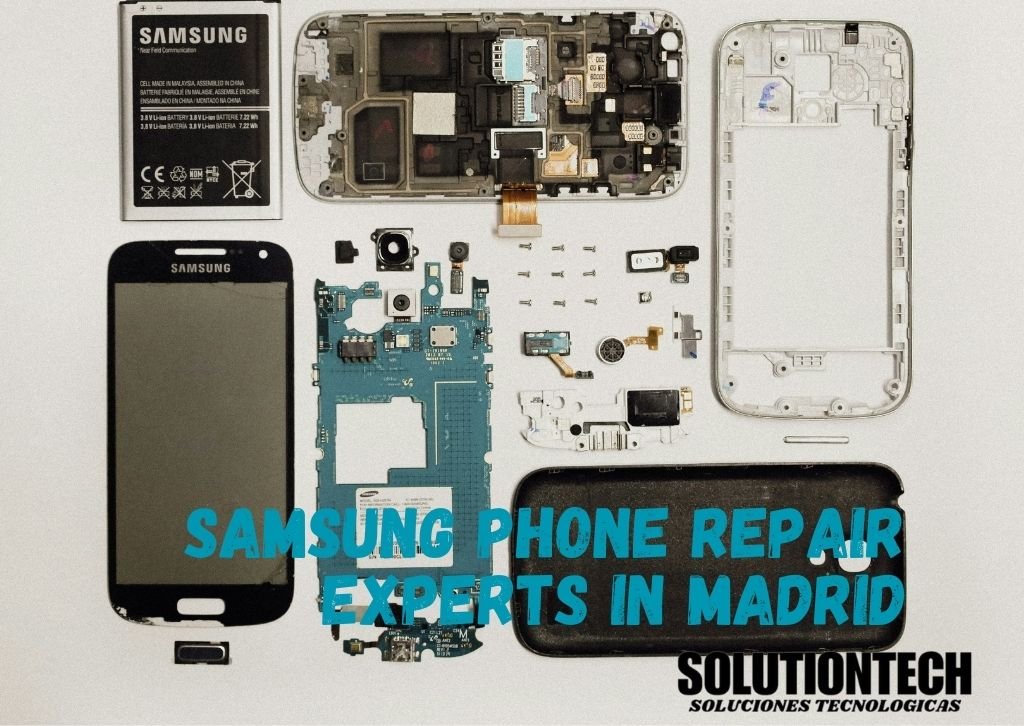
Water damaged phones are very common in Madrid because of rain. Sometimes it happens while walking in the rain, working in the kitchen, sitting near a pool or even when the phone slips from your hand. Most people panic because they do not know what to do right away. If quick action is not taken water can slowly enter the inside parts and create serious problems later. This can damage the battery, the charging system or even the main motherboard. Solutionstechmobile is a reliable repair shop in Madrid that helps people fix water damaged iPhones, Android phones and many other smartphone models. Our goal is to explain everything in a simple and clear way so you understand what you should do from the first steps after the phone gets wet to safe drying methods, common symptoms, professional repair methods, repair cost, risks and helpful questions people often ask.
Common Water Damage Problems
Water can damage a phones internal components and symptoms often vary. Common issues include motherboard corrosion, short circuits, battery problems and charging port malfunctions. Screen flickering, unresponsive touch, speaker or microphone failure, unexpected shutdowns and overheating are also frequent. Minor water exposure may initially appear as a temporary problem but if left unrepaired it can lead to permanent damage. Trusted sources quick action and proper handling are crucial to minimize serious damage.
How to Fix Common Water Damage Problems
Experts fix water damaged phones carefully to avoid permanent problems. They check your phone, clean it, replace broken parts and test everything to make sure it works properly. Repairs come with a 3–6 month warranty . so you do not have to worry. This keeps your phone safe and working like new .
Fixing Motherboard Corrosion
Water can seriously damage the motherboard which is the main circuit inside your phone. This can make the phone stop working, freeze or act strangely. To fix it professional technicians carefully open the phone and clean the motherboard with special tools and isopropyl alcohol to remove all corrosion and moisture. Sometimes parts on the motherboard that are too damaged need to be replaced. Professionals also test the circuits after cleaning to make sure everything works safely. Trying this at home can be very risky because even a small mistake can permanently damage your phone.
Repairing Short Circuits
Short circuits happen when water creates unwanted connections between the internal parts of your phone. This can make some features stop working or behave unpredictably. Technicians inspect the phone carefully, remove all moisture and repair or replace any damaged parts. Turning off the phone immediately after water exposure is very important to prevent more damage. After professional repair all circuits are tested to make sure the phone works normally and safely. Quick action reduces the risk of permanent damage.
Solving Battery Problems
Water can affect the battery it to drain quickly, fail to charge or stop working entirely. Professionals check the battery to see if it still holds a charge. If the battery is damaged it is replaced with a high-quality new one. They also clean the battery contacts and ensure the battery compartment is fully dry. Proper repair prevents repeated battery problems. Trying to fix battery issues at home can be dangerous as water can cause short circuits and overheating if not handled correctly.
Fixing Charging Port Issues
Water in the charging port can stop your phone from charging correctly or sometimes prevent it from charging at all. Technicians carefully clean the port using alcohol and specialized tools. If the port is badly damaged it may need to be replaced with a new part. After repair the charging system is tested multiple times to ensure it works perfect. Avoid inserting metal objects, sticks or other tools yourself as this can break the delicate connectors. Professional cleaning and repair protect your phones charging functionality long term.
Repairing Screen Problems
Water can cause the screen to flicker, show strange colors or stop responding to touch. Professionals fix this by removing the screen, cleaning and drying internal layers and replacing the screen . They also check the touch sensors and display connections to make sure everything works properly. Even small amounts of water can cause corrosion in the screens circuits so early repair is important. Proper care restores the screen performance and prevents further problems keep your phone responsive and clear.
Fixing Speaker and Microphone Issues
Water can damage the speakers or microphone, causing weak, distorted or no sound at all. Technicians open the phone, dry the speaker and mic areas and clean the contacts carefully. If corrosion has caused permanent damage, the affected components are replaced with new ones. After repair sound testing is done for both incoming and outgoing audio to make sure calls, videos and recordings work perfectly. Professional repair restores clear sound and prevents long-term damage from moisture.
Stopping Unexpected Shutdowns
Water damage can make your phone restart, freeze or turn off randomly. Professionals fix this inspecting all internal parts, cleaning and drying circuits, and replacing any damaged components. After repair the phone is tested extensively to make sure it runs smoothly without random shutdowns. Early repair is very important because repeated shutdowns can lead to permanent motherboard or battery damage. Professional care ensures stable performance and keep your phone reliable.
Solving Overheating Problems
Water can affect electrical pathways and battery connections, making your phone overheat even during normal use. To fix this technicians clean all internal circuits, replace damaged parts like the battery or motherboard sections and ensure proper heat distribution inside the phone. Proper repair prevents permanent heat damage, protects battery life and keeps your phone safe to use. Overheating can reduce the phones lifespan so professional attention is necessary to avoid bigger problems.
Preventing Damage from Minor Water Exposure
Even small spills or light moisture can cause hidden damage over time. Professionals act quickly by turning off the phone, removing SIM and SD cards and cleaning and drying all components thoroughly. They inspect for hidden corrosion or moisture and repair minor problems before they become permanent. Early professional care prevents bigger issues, protects internal components and keeps the phone working for longer. Quick action is always better than waiting and risking permanent damage.
What to Do If Your Phone Falls in Water Step-by-Step
When your phone falls in water, don’t panic. Most people get scared but a few simple steps can actually save it. The main thing is to stay calm and don’t press any buttons. Turn it off, dry it gently, and keep it somewhere safe. Doing this quickly can stop the damage from getting worse. If your phone drops in water or gets splashed, do these things as soon as possible:
- Turn Off the Phone
- Remove SIM, Case & Memory Card
- Wipe the Outside Gently
- Don’t Charge the Phone
- Use Silica Gel Packets
- Keep in a Cool, Dry Place
Will My Phone Survive After Damage Repair
If your phone accidentally falls in water do not panic. It happens to everyone and many phones can be saved if you act quickly. First turn the phone off immediately so it does not short circuit. Remove the SIM card, memory card and phone case to let it dry faster. Gently wipe the phone with a soft cloth and keep it somewhere safe and dry. Avoid sunlight, heaters or hair dryers because too much heat can damage the phone. How long the water stayed inside and the type of water fresh, pool or salt water also make a difference. Following these simple steps carefully your phone has a much better chance of working again without permanent damage.
- The faster you turn it off and start drying the better.
- Fresh water is less harmful than pool or salt water.
- Phones damaged for longer periods are harder to fix.
- Phones with higher water-resistance ratings survive better.
- Even if it looks fine corrosion may develop inside.
Cost & Repair Time in Madrid
- Estimated repair cost: from €60, depending on phone model, severity of damage, and required parts.
- Repair time: Minor to moderate damage typically takes 24–48 hours; major corrosion or multiple component replacements can take 3–5 days.
- Factors affecting cost & time: salt water exposure, high-end phones (iPhone Pro, Samsung Galaxy series), and level of internal corrosion.
- Professional repair is recommended for iPhones, high-end Androids, and phones still under warranty. DIY repairs may provide temporary fixes, but long-term safety requires professional handling.
FAQ
What should I do immediately if my phone gets wet?
Turn off your phone immediately and remove any accessories like the SIM card, memory card, battery (if removable), and case. Gently wipe the exterior with a soft cloth and place your phone in a cool, dry place with silica gel packets. Avoid charging or turning it on until fully dry.
Can I dry my water-damaged phone using rice?
While rice is sometimes used, it’s not the most effective method. Dust and particles from rice can enter ports and cause further damage. Silica gel packets are safer and absorb moisture more effectively.
How long does it take to repair a water-damaged phone in Madrid?
Minor to moderate water damage usually takes 24–48 hours for professional repair. Severe cases with corrosion or multiple damaged components may take 3–5 days.
How much does it cost to repair a water-damaged phone?
Repair costs start from around €60, depending on the phone model, severity of damage, and whether parts like the battery, charging port, or screen need replacement.
Is professional repair necessary, or can I fix it myself?
Minor spills can sometimes be managed with DIY methods like silica gel drying. However, professional repair is recommended for major water exposure or high-end smartphones to prevent permanent damage and ensure proper cleaning and testing.
Can water-damaged phones be fully restored?
Yes, many water-damaged phones can be restored if action is taken quickly and professional repair is done. However, extensive damage to the motherboard or battery may be permanent, and data loss can occur if a backup wasn’t made.
Will my warranty cover water damage?
Most manufacturer warranties do not cover water damage. Professional repair centers like Solutionstechmobile offer reliable repair with a 3–6 month warranty on replaced parts.
How can I prevent water damage in the future?
Use a waterproof case, screen protector, and port plugs. Avoid using your phone with wet hands or near water sources like pools, bathrooms, or kitchens. Regularly back up your data and always follow immediate drying steps if the phone gets wet.
Is it safe to charge my phone after it gets wet?
No. Charging a wet phone can cause a short circuit and permanent damage. Make sure the phone is completely dry before attempting to charge it, ideally after professional drying or at least 24–48 hours in a safe drying environment.
Can data be recovered from a water-damaged phone?
Yes, data recovery is often possible, especially if the phone is repaired professionally. However, success depends on the extent of the water damage. Always back up your phone regularly to avoid permanent data loss.
Conclusion
Water damage is a serious problem, and fast action is critical. In Madrid Solutionstechmobile provides trusted professional repair services with trained technicians and high-quality replacement parts. For minor spills, DIY drying can be effective, but major water exposure should always be handled professionally. Follow immediate steps, dry your phone carefully, and seek expert repair to keep your phone safe long-term. Contact Solutionstechmobile today for water damage diagnostics and repairs in Madrid.